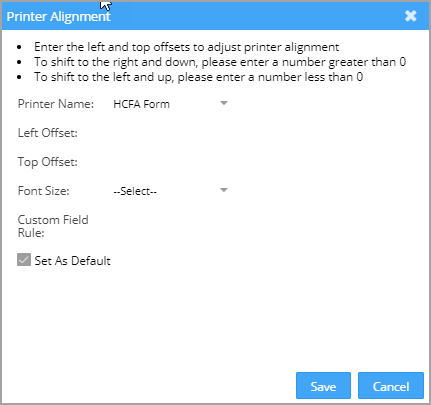
A custom printer alignment facility is available for CMS forms.
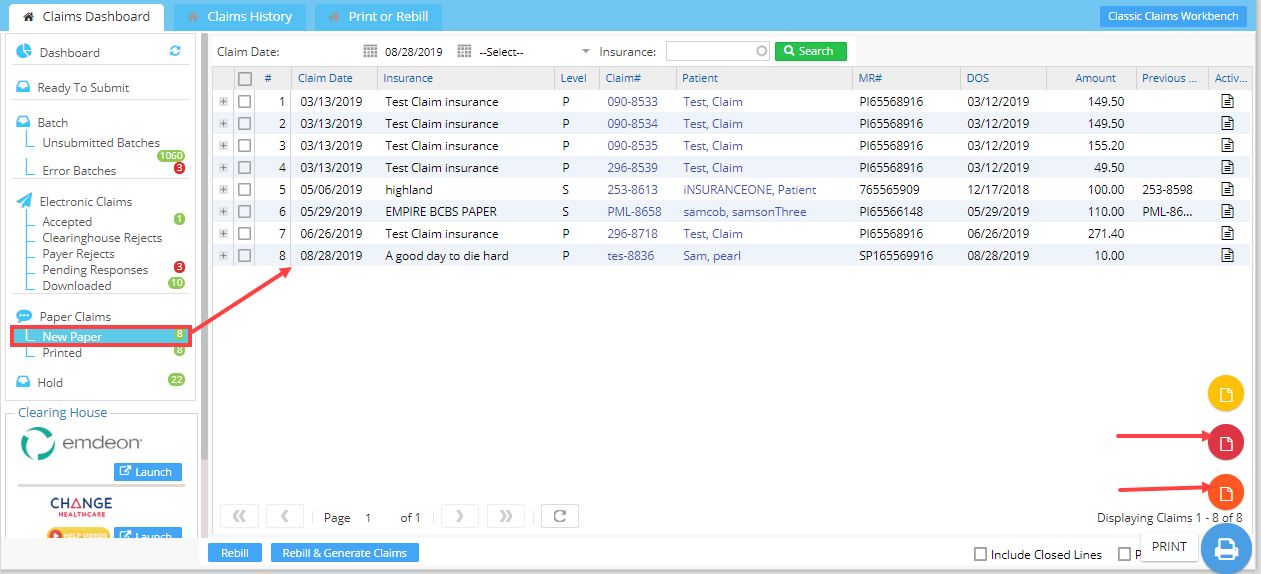
Click on the Print CMS 1500 FORM or Print CMS 1500 DATA to open the CMS 1500 form/data (indicated by arrow marks in Image 1). Click on  the button, and the printer alignment pop-up will open up. (see Image 2).
Enter the values as required in the fields & click on the Save button to align the printer for accurate printing.