Add a New Account Type
1. Select Advanced Setup from the main menu.
2. Click the ‘All Lookups’ menu to open the Lookup screen.
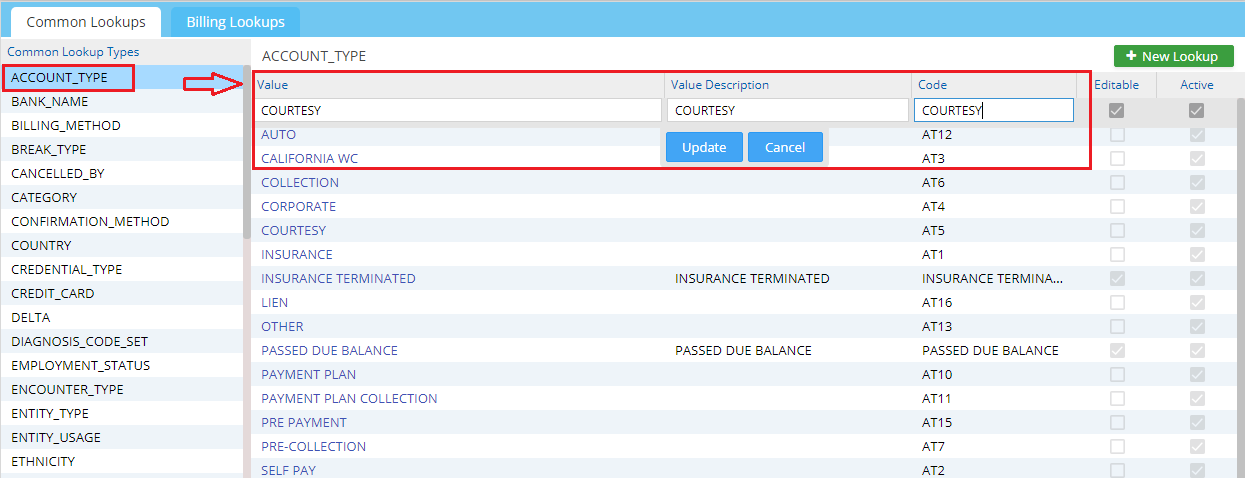
3. From the Common Lookups pane, select ACCOUNT_TYPE.
4. Click the  icon on the top right.
5. Enter the new account type: Enter the Code, Value, and Description fields and click  to have the new account type added to the list.
View the Account Types
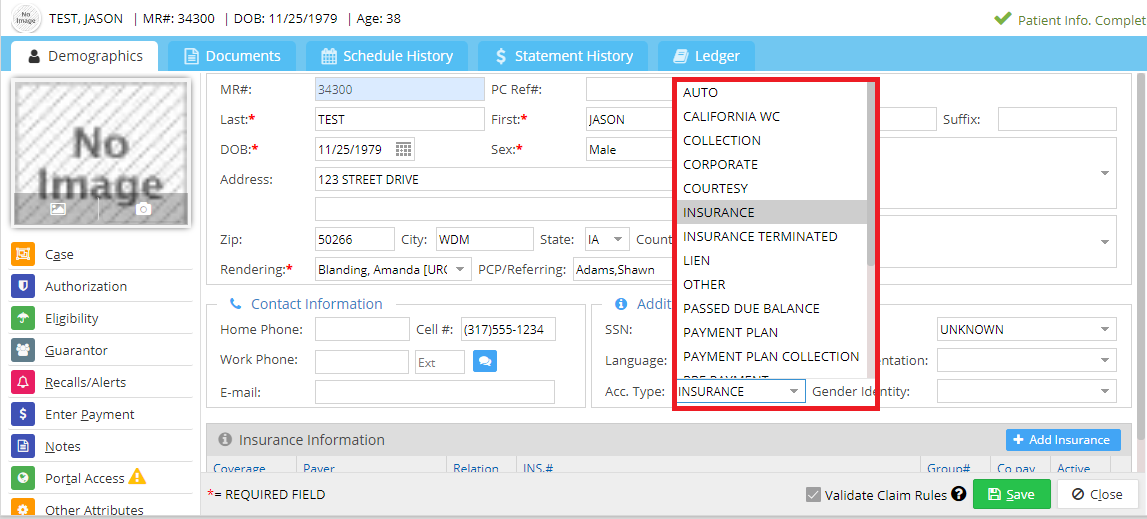
All Active account types in the system can be viewed at Acc. Type drop-down in the Patient Demographics Page.